Japan’s Wi-Fi: How to Choose the Best Option for Your Travel Style - GTN MAGAZINE
日本語
日本語
English

Japan’s Wi-Fi: How to Choose the Best Option for Your Travel Style

For international travelers visiting Japan, having a reliable internet connection is essential for a smooth trip. 

From using map apps for navigation, searching for restaurants, checking train schedules, to staying in touch with family and friends, Wi-Fi access is needed in many situations.


In this guide, we’ll explain the different ways to connect to the internet in Japan and help you choose the Wi-Fi solution that best fits your travel style.

How Can You Connect to the Internet in Japan?

There are several ways to stay connected to the internet while traveling in Japan.

Each option has its own advantages and disadvantages, so consider your travel plans, device setup, and budget when choosing the best one.

Comparison of Main Connection Options

Connection MethodProsConsRecommended For
Mobile Wi-Fi (Pocket Wi-Fi)

• Connect multiple devices

• Stable and fast connection

• Coverage across most of Japan

• Requires carrying an extra device

• Rental or contract needed

• Daily cost applies

• Group travelers

• Long-term stays

• Anyone prioritizing stable connectivity

SIM Card

• No extra device needed

• Cost-effective

• Connects directly to your phone

• Single-device use only

• Requires SIM unlocking or setup

• Solo travelers

• SIM-free device users

• Short-term stays

eSIM

• No physical SIM needed

• Instant setup

• Can be purchased in advance

• Compatibility varies by device

• Single-device use only

• Works mainly on newer phones

• Users with the latest smartphones

• Travelers who want simple setup

• Short-term stays

Free Wi-Fi

• No cost

• Available in major tourist spots

• Unstable connection

• Security concerns• Limited coverage

• Budget travelers

• Those staying mainly in big cities


Mobile Wi-Fi (Pocket Wi-Fi)

Mobile Wi-Fi, often called “pocket Wi-Fi,” is one of the most popular ways for international travelers to access the internet in Japan.

It’s a small, battery-powered device that uses mobile cellular networks to create a local Wi-Fi network.

Smartphones, tablets, and laptops can all connect to it at the same time, making it convenient for group travel or for travelers who carry multiple devices.

Pocket Wi-Fi provides stable, high-speed internet in most major areas across Japan. It’s especially recommended for group travelers and for longer stays where reliable connectivity is important.

How to Rent

  • First, reserve the device online a few days before your trip.
  • When you arrive in Japan, pick it up at the airport counter or have it delivered to your hotel or accommodation. You’ll be asked to show your reservation confirmation and passport.
  • After that, just turn the device on and connect via Wi-Fi — setup is simple and quick.


GTN also offers affordable Pocket Wi-Fi rental plans.

GTN Wi-Fi MAX(Pocket Wi-Fi)

GTN Wi-Fi MAX is a high-capacity pocket Wi-Fi rental service designed for foreign visitors and residents in Japan. You can easily apply with just your passport.

With free device rental and a high-speed 4G connection of up to 10 GB per day (max 300 GB per month), it covers all of Japan and allows up to 10 devices to be connected simultaneously. 

A bundle discount is also available when subscribed together with a Voice SIM card.

運営会社 Global Trust Networks Co., Ltd.
料金

Service Overview

ItemDetails
OperatorGlobal Trust Networks Co., Ltd.
Data Capacity10 GB / day (Up to 300 GB / month)
Monthly Fee5,390 yen (tax included)
Bundle Discount5,060 yen (330 yen discount when combined with a Voice SIM)
Initial Fee3,300 yen
Security Deposit10,000 yen

Speed Limit: Speed will be restricted to 700 kbps for the rest of the day if the 10 GB daily limit is exceeded.

Device Rental: Free of charge.

Information is accurate as of the end of January 2026.

公式HP https://www.gtn-mobile.com/s/gtn-wifi?language=en_US


SIM Cards and eSIM

To use mobile data or make calls on a smartphone or tablet, you need what is called a SIM, which stores information such as your phone number and carrier details. There are two types of SIMs: a physical SIM card and an embedded eSIM built into the device.

SIM Card

A SIM card is a small plastic card with an integrated IC chip.

It is inserted into a tray inside the device and has become the standard method used by most smartphone users around the world.

SIM cards come in different sizes, but the most common format today is the nanoSIM, the smallest of the standard sizes.

Features and Advantages

One of the biggest advantages of a SIM card is its simplicity. When you change phones, you can often just remove the SIM card from your old device and insert it into the new one to carry over your phone number and contract information (as long as the new device is compatible with that carrier).

Because it is a physical card, however, there is a risk of losing it or damaging the chip when removing or inserting it. If you switch to a new carrier, you may also need to wait for a new SIM card to be delivered.


GTN offers SIM card options for travelers and residents in Japan.

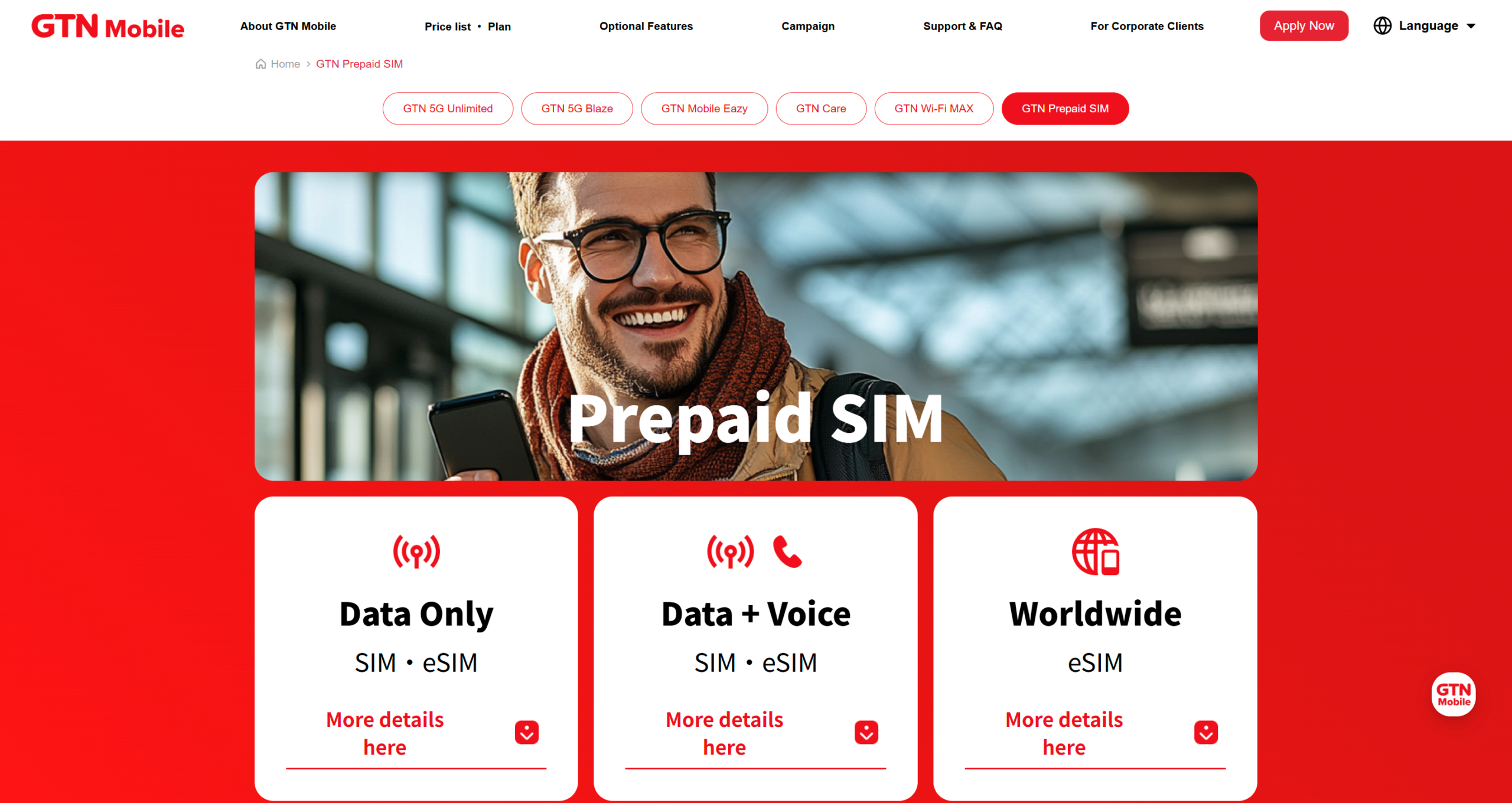
GTN Prepaid SIM

GTN Prepaid SIM offers versatile data-only and voice+data plans with durations ranging from 7 to 90 days. 

Ideal for short-to-medium-term travelers, the service allows for a seamless application process using only a passport and provides high-speed 5G/LTE connectivity alongside 8-language customer support. 

Please note that once the data is consumed, speeds will be throttled and the plans cannot be extended.

運営会社 Global Trust Networks Co., Ltd.
料金

Pricing & Plans

Data-Only SIM / eSIM

For those prioritizing internet connectivity for streaming, navigation, and social media.

Data CapacityDurationPrice (Tax Incl.)
30 GB7 Days¥3,000
10 GB30 Days¥3,000
50 GB30 Days¥5,000
135 GB90 Days¥10,000

Voice + Data SIM

Ideal for those who need a local phone number for calls and SMS authentication.

Data Capacity30-Day Plan90-Day Plan
5 GB¥6,500¥15,980
15 GB¥9,500¥22,980
25 GB¥12,500¥28,980

Note on Voice Plans: > * Domestic Calls: ¥22 per 30 seconds.

SMS (Domestic): ¥3.3 to ¥33 per message.

Additional charges apply for these services.

Information as of February 2026.

公式HP https://www.gtn-mobile.com/


eSIM

An eSIM (short for Embedded SIM) is a digital SIM that is built directly into the hardware of a smartphone or other device

Because it is integrated into the device, there is no need to insert or swap a physical card. After signing up with a mobile carrier, you activate the service by downloading a SIM profile over the internet (usually via Wi-Fi).

Features and Advantages

The biggest advantage of eSIM is speed and convenience. Since there is no physical card delivery, you can complete the entire setup online and start using mobile service almost immediately.

Another benefit is flexibility. Many eSIM-compatible phones allow multiple SIM profiles on a single device (dual SIM), making it easy to switch between different lines — for example, work vs. personal, or domestic vs. travel plans.

On the downside, when changing devices you cannot simply move a physical card; you may need to reissue or redownload the eSIM profile to the new phone.


GTN also offers eSIM plans for travelers and residents in Japan.

GTN Prepaid eSIM

GTN Prepaid eSIM offers prepaid SIMs for data-only or voice + data, with durations ranging from a minimum of 7 days to a maximum of 90 days.

You can apply with just your passport. It features 5G/LTE networks and 8-language customer support. Please note that after the data is used up, speeds will be reduced and extensions are not possible, making it ideal for short- to medium-term stays.

運営会社 Global Trust Networks Co., Ltd.
料金

Data-Only SIM / eSIM

Data CapacityDurationPrice
10 GB30 Days3,000 JPY
30 GB7 Days3,000 JPY
50 GB30 Days5,000 JPY
135 GB90 Days10,000 JPY


Voice + Data SIM

Data Capacity30 Days60 Days90 Days
10 GB8,250 JPY14,850 JPY21,450 JPY
30 GB12,100 JPY19,800 JPY27,500 JPY

•Domestic call charges are 22 JPY per 30 seconds (tax included). SMS charges range from 3.3 to 33 JPY (tax included) per message (domestic).

•Information as of November 2025.

公式HP https://www.gtn-mobile.com/


Using Free Wi-Fi Spots

For travelers looking to keep costs down, Japan’s free Wi-Fi spots can be a useful option.

Many companies and local governments offer free public Wi-Fi services specifically for visitors.

Where Free Wi-Fi Is Available

You’ll find free Wi-Fi in a wide range of places across Japan, including:

  • Airports: Narita, Haneda, Kansai, and other major airports
  • Train Stations: JR East, Tokyo Metro, and more
  • Convenience Stores: 7-Eleven, FamilyMart, Lawson
  • Cafés & Fast-Food Chains: Starbucks, McDonald’s, etc.
  • Public Facilities: Libraries, tourist information centers, public squares
  • Tourist Attractions: Major temples and shrines, among others


Make Connections Easier with Wi-Fi Apps

Several free apps help simplify log-ins across different public networks. 

Installing one in advance allows automatic or one-tap connections at many free Wi-Fi spots, making setup much smoother during your trip.


Streamline Connections with Wi-Fi Apps

Several apps are available to make connecting to different Wi-Fi networks easier.

Recommended Wi-Fi Apps

AppFeaturesOSLanguages
Japan Wi-Fi auto-connectAutomatic login, secure connectioniOS / AndroidEnglish, Japanese, Chinese, Korean
Japan Connected-free Wi-Fi200,000+ hotspots, sightseeing infoiOS / AndroidEnglish, Japanese, Chinese, Korean
NAVITIME TravelWi-Fi search + transit guidanceiOS / AndroidEnglish, Japanese, Chinese, Korean
Wi-Fi FinderGlobal hotspot search, offline mapsiOS / AndroidEnglish, Japanese + others

Source: NTT Broadband Platform (Japan Wi-Fi auto-connect), NAVITIME Japan (NAVITIME Travel)


App Setup and How to Use It

Setting Up Japan’s Most Popular Wi-Fi App: “Japan Wi-Fi auto-connect”

  • Download the app from the App Store or Google Play.
  • Open the app and select your preferred language.
  • Register using your email address (or sign in via social media).
  • Agree to the terms of use.
  • When you’re near a compatible hotspot, the app automatically detects and connects.
  • Some hotspots may require one-time authentication on first use.
  • You can check connection status in your phone’s Wi-Fi settings.


Stay Safe on Public Wi-Fi

When using public Wi-Fi, safety and privacy should be a priority. Keep the following risks in mind and take precautions to protect your data.

Risks When Using Public Wi-Fi

Public Wi-Fi can expose you to several risks, including:

  • Data theft: Personal information may be intercepted by malicious third parties
  • Malware infections: Fake access points or unsafe networks can spread malware
  • Man-in-the-Middle attacks: Communication may be intercepted and altered during transmission
  • Phishing: Fake Wi-Fi networks may steal login information or other sensitive data
  • Password leaks: Weak or unencrypted networks may expose account credentials


Key Safety Measures

MeasureDescriptionImportance
Use a VPNEncrypts your connection and protects your privacy★★★★★
Use HTTPS websitesConfirms you’re using a secure, encrypted connection★★★★☆
Disable auto-connectPrevents devices from joining unknown networks★★★★☆
Avoid entering sensitive informationRefrain from online banking and other high-risk actions on public Wi-Fi★★★★★
Keep devices updatedApply the latest security patches★★★☆☆
Enable two-factor authenticationAdds an extra layer of security to account logins★★★★☆


Recommended VPN Services

When using public Wi-Fi, we strongly recommend using a VPN (Virtual Private Network) for safer browsing.

Below are VPN services well-suited for use in Japan:

  • NordVPN: Fast connections, large server network, user-friendly interface
  • ExpressVPN: Stable speeds, worldwide server coverage, easy setup
  • CyberGhost: Easy to use, dedicated servers, competitive pricing
  • Surfshark: Unlimited device connections, high-speed servers, affordable
  • Windscribe: Free plan available, simple operation, browser extensions


Wi-Fi Availability by Region

Wi-Fi environments in Japan can vary depending on the region. It’s helpful to understand the differences before traveling.

Urban vs. Rural Areas (Wi-Fi Comparison)

RegionFree Wi-Fi AvailabilityPocket Wi-Fi CoverageRecommended Option
Tokyo / Osaka / Kyoto★★★★★★★★★★Free Wi-Fi / Any option
Nagoya / Fukuoka / Sapporo★★★★☆★★★★★Free Wi-Fi / Any option
Regional Cities (e.g., Kanazawa, Hiroshima)★★★☆☆★★★★☆Pocket Wi-Fi / SIM
Tourist Destinations (e.g., Hakone, Koyasan)★★☆☆☆★★★☆☆Pocket Wi-Fi
Remote Islands / Mountain Areas★☆☆☆☆★★☆☆☆Pocket Wi-Fi (Check coverage in advance)


Wi-Fi Conditions Along Major Tourist Routes

Golden Route (Tokyo → Hakone → Kyoto → Osaka)

  • Excellent free Wi-Fi coverage in major cities
  • Connectivity may be unstable in the Hakone mountain area
  • Pocket Wi-Fi recommended for peace of mind

Hokkaido Round Trip

  • Plenty of free Wi-Fi spots in central Sapporo
  • Limited coverage in suburban and tourist areas
  • Check Pocket Wi-Fi coverage in advance

Kyushu Round Trip

  • Good free Wi-Fi availability in urban areas like Fukuoka and Nagasaki
  • Mountain regions such as Aso and Takachiho may have unstable connections
  • Pocket Wi-Fi is the safest option

Okinawa

  • Free Wi-Fi available in central Naha
  • Resort areas often rely on hotel Wi-Fi
  • Pocket Wi-Fi may also be unstable on remote islands


Summary

The best way to stay connected in Japan depends on your travel style, length of stay, and budget.
Pocket Wi-Fi works well for groups or travelers who want a stable connection.
SIM cards and eSIMs are ideal for solo travelers or those with newer smartphones.
For budget-conscious travelers, combining free Wi-Fi hotspots with Wi-Fi apps can be a practical choice.


Whatever option you choose, a little preparation goes a long way.
If you want to be online immediately after landing, consider arranging your connection before your trip.
Stay safe online and enjoy your time in Japan!

関連記事